Video Face Swap
Video face swap puts a new face on anyone in your clip, up to 4 at once.
Upload a video to start
Files deleted 7 days after upload.
 Illustration
 · upload a video to preview it here
Templates
Choose a style to load a short illustrated sample, then add your replacement face.

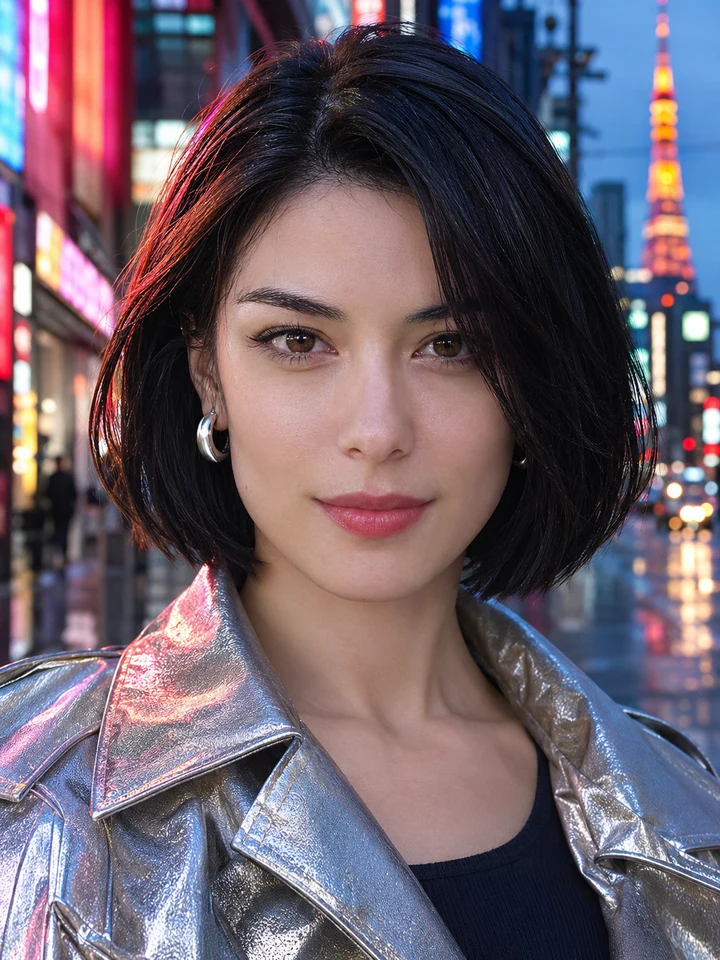



AI Video Face Swap That Follows Every Move
Upload a clip, add a clear photo of the new face, and generate. The AI redraws the face frame by frame, so it turns, talks and reacts with the person in the original video.



Multiple Face Swap Video: Every Face in One Run
You can swap up to 4 faces in one clip in a single run. Switch on Multiple faces, add a new face for each person you want to change, and leave the others as they are.




Compare Your Video Face Swap Before You Download
When the swap is done, compare the new clip with the original and check every face. Not happy with it? Change a face photo and generate again.



Video, GIF and Photo Face Swap in One Place
Have a short looping clip instead? Switch the workspace to GIF. Need a still image? Switch to Photo. Your face slots and credits carry over.

How it works
How to Swap Faces in a Video
Upload a clip up to 60 seconds, add faces, generate and download.
- 01
Upload your video
Drop in a clip from your camera roll or computer. You see a preview and can replace it before you generate.
- 02
Add the new faces
Upload a clear, front-facing photo of each face you want. With Multiple faces on, add one for every person you want to change.
- 03
Generate and download
Press Generate and follow the progress. When it is done, compare the new clip with the original and download it.
Why Use Multiple Face Swap AI for Video
Up to 4 faces per clip in one run, frame by frame, at 2 credits a second.
Frame-by-frame swaps
The new face is redrawn in every frame, so it keeps up with the motion and expressions of the original clip.
Every face in one run
Add a new face for each person in the video and generate once. Empty slots keep that person as they are.
Works in your browser
Nothing to install. Upload a clip from your phone or laptop and swap faces right in the browser.
Free credits to start
New accounts get 5 free credits, valid for 30 days, after signing up. Video, GIF and photo swaps use the same balance.
Tips for the Best Video Face Swap Results
A sharp face photo and a clip where faces stay visible give the most natural result.
Use a clear, front-facing face photo
Pick a well-lit photo where the whole face is visible and looking at the camera. Blurry or side-on faces give the AI less to work with.
Match the lighting of the clip
A face photo lit like the video blends in more naturally than one taken in very different light.
Choose clips where faces stay in view
Faces that are turned away or covered for long stretches are hard to replace. Pick clips where each face is visible most of the time.
Start from the best-quality copy
Heavy filters, low resolution and strong compression make faces harder to follow. Upload the cleanest version of the clip you have.
What You Can Do with Video Face Swap
For short-form posts, group clips, greetings and parodies, with everyone's consent.
Short-form videos
Reels, Shorts and TikTok clips with your own face, or a friend's, in a scene you love.
Group clips
Give everyone in a party, team or family video a new face in one run.
Birthday and holiday surprises
Put the guest of honour into a fun clip and send it as a personal video greeting.
Skits and parodies
Cast yourself and your friends in a skit, a trailer parody or a meme video.
More AI Face Swap Tools
Swap several faces in a group photo, or put new faces on a GIF, in the same workspace.




Video Face Swap FAQs
Still have a question? Contact us
Your uploads, handled with care
Used for your swap, then deleted. Your biometric data and photos remain completely yours.
Read the privacy policyUsed for Your Result Only
Uploads make your swap and nothing else. We don't train models on them, post them or use them in our marketing.
Deleted After 7 Days
Uploaded files and results are removed automatically 7 days after upload.
Ask Before You Swap
Upload photos you're allowed to edit, and add a face only if that person agreed. Impersonating or harming someone isn't allowed.


Ready to Swap Faces in Your Video?
Sign up for 5 free credits and try a clip.
No credit card required. Photos, videos and GIFs.